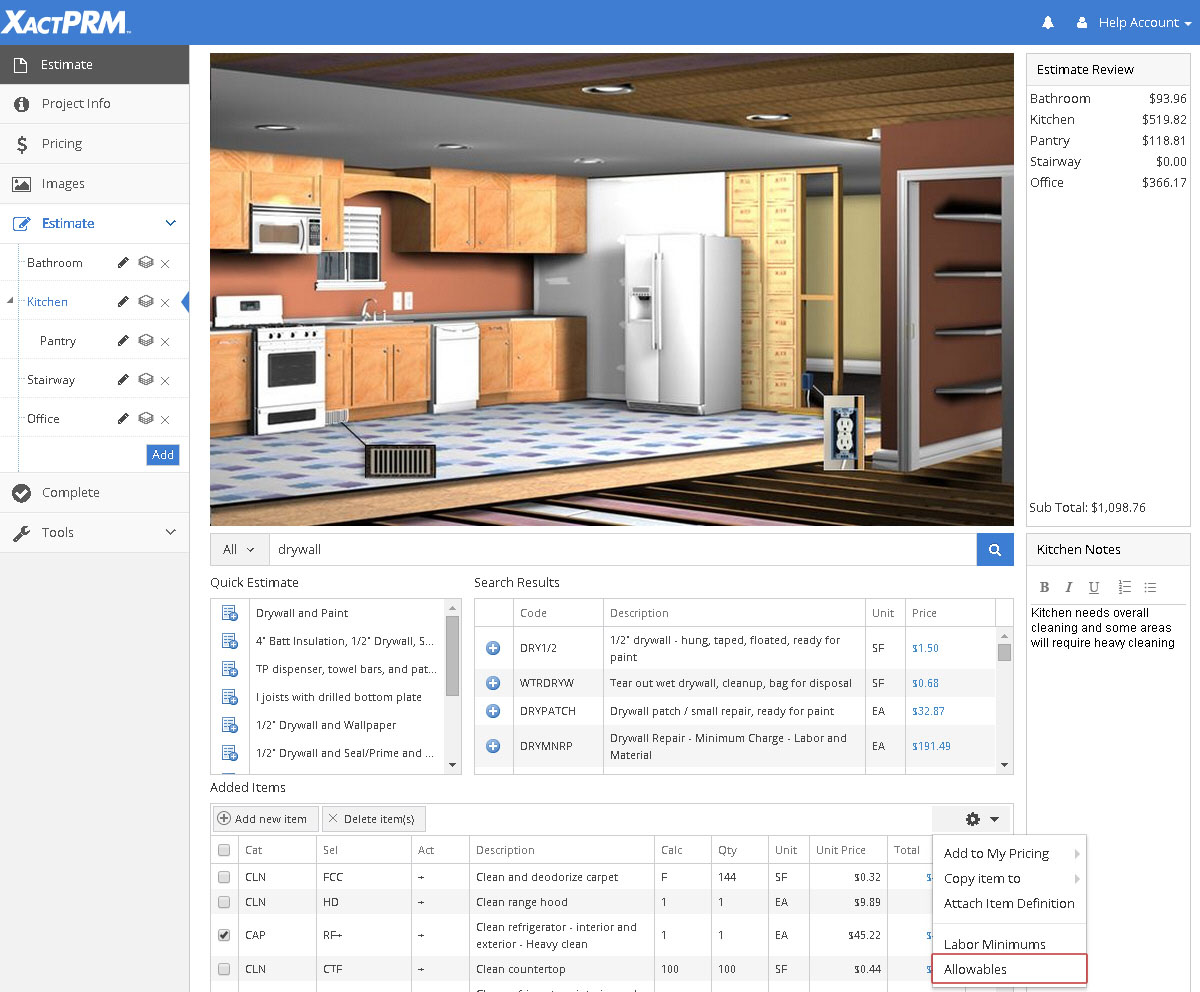
Allowable Totals
Allowables is the area in the estimate where you can display the calculated totals that have accrued towards the allowable amounts. Allowable lists can be set-up in the My Pricing tab (see Allowables). An allowable list can be attached to a specific estimate in the Pricing tab inside the estimate (see Allowables On-Off). Once an allowable list has been set-up and then assigned to a specific estimate, line items that are part of the allowable will be added to the allowable totals. Those totals are displayed in the Estimate Options cog, located in the Added Items section of the estimate.
The allowable totals are calculated automatically by XactPRM.
To see the allowable totals for a project, click on the Allowables button in the Estimate Options dropdown, located in the Added Items section.
If no allowables are assigned to the estimate, or if there are no line items for the estimate that are part of the allowables list, then the Allowables window will open with "No Allowables to Display". As various line items, that are part of an assigned allowable list, are added to the estimate, then those line item amounts will be added to the allowable totals.
The image below shows a pop-up with various allowable totals, showing the Total items added from the allowable list set, the Total item prices for those items, and the Max Amount allowable for the project.

In the example above the totals fall under the allowable maximum amount. If the Total item prices surpass the allowable amount, then all of the line items that were part of that allowable name would show up as red in the Added Items list as shown below.

The allowable name would also show as red text in the Allowables table as shown below.

For Technical Support please call 1-800-710-9228 or click here to access our live chat service.
Copyright 2004-2018 Xactware Solutions, Inc. All rights reserved.